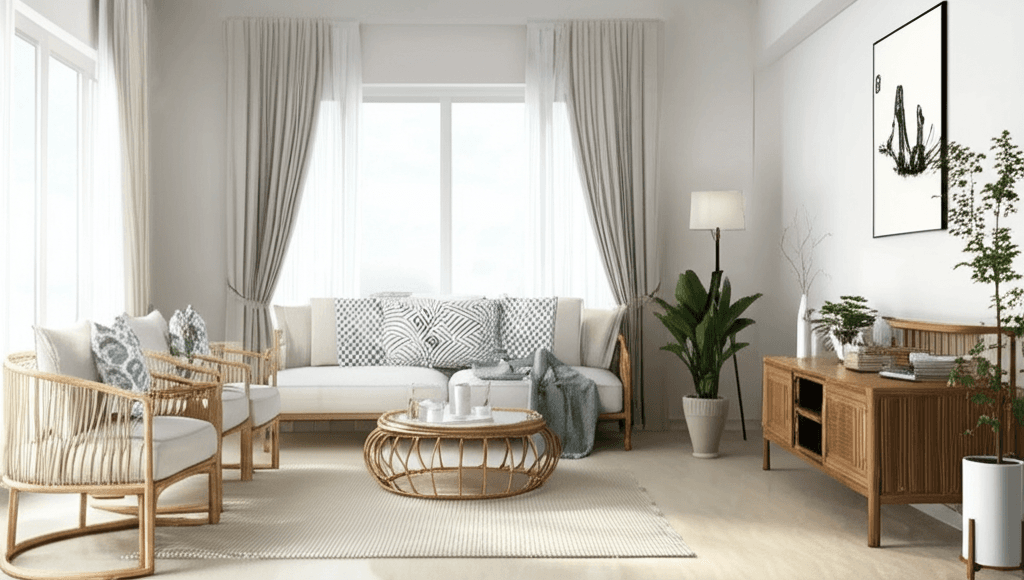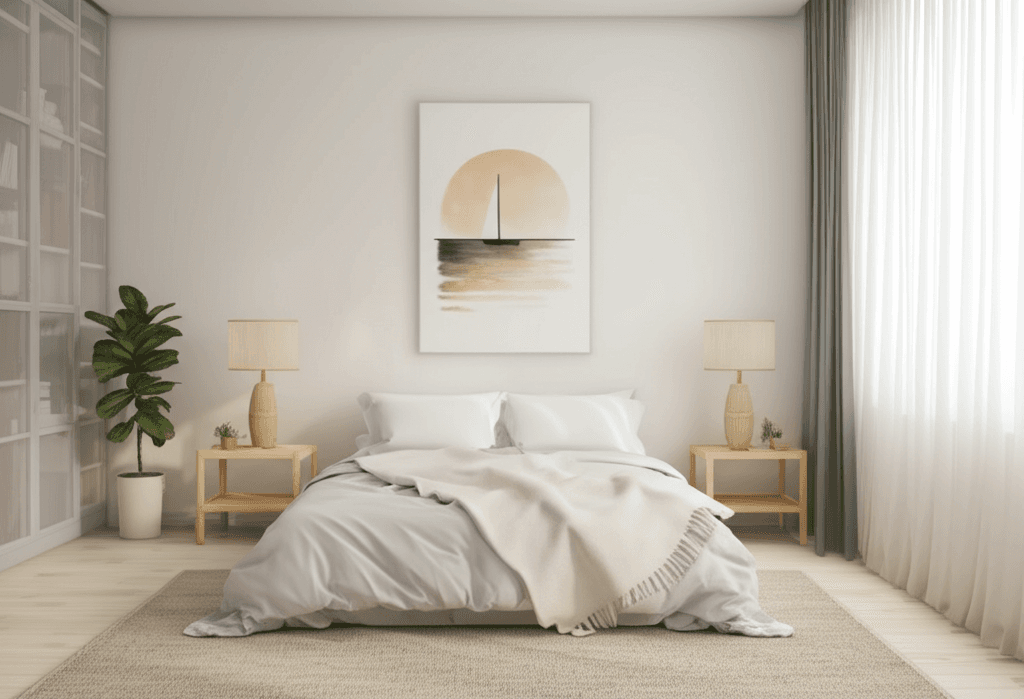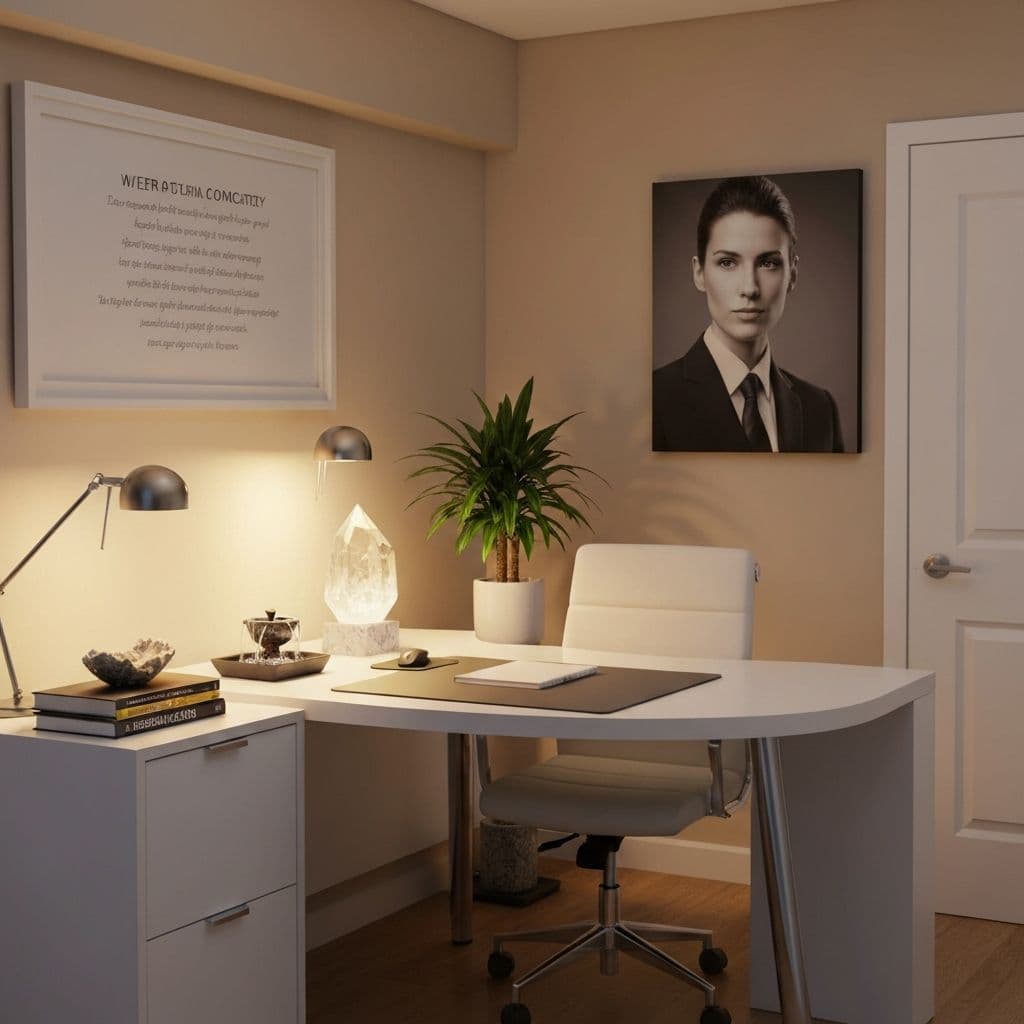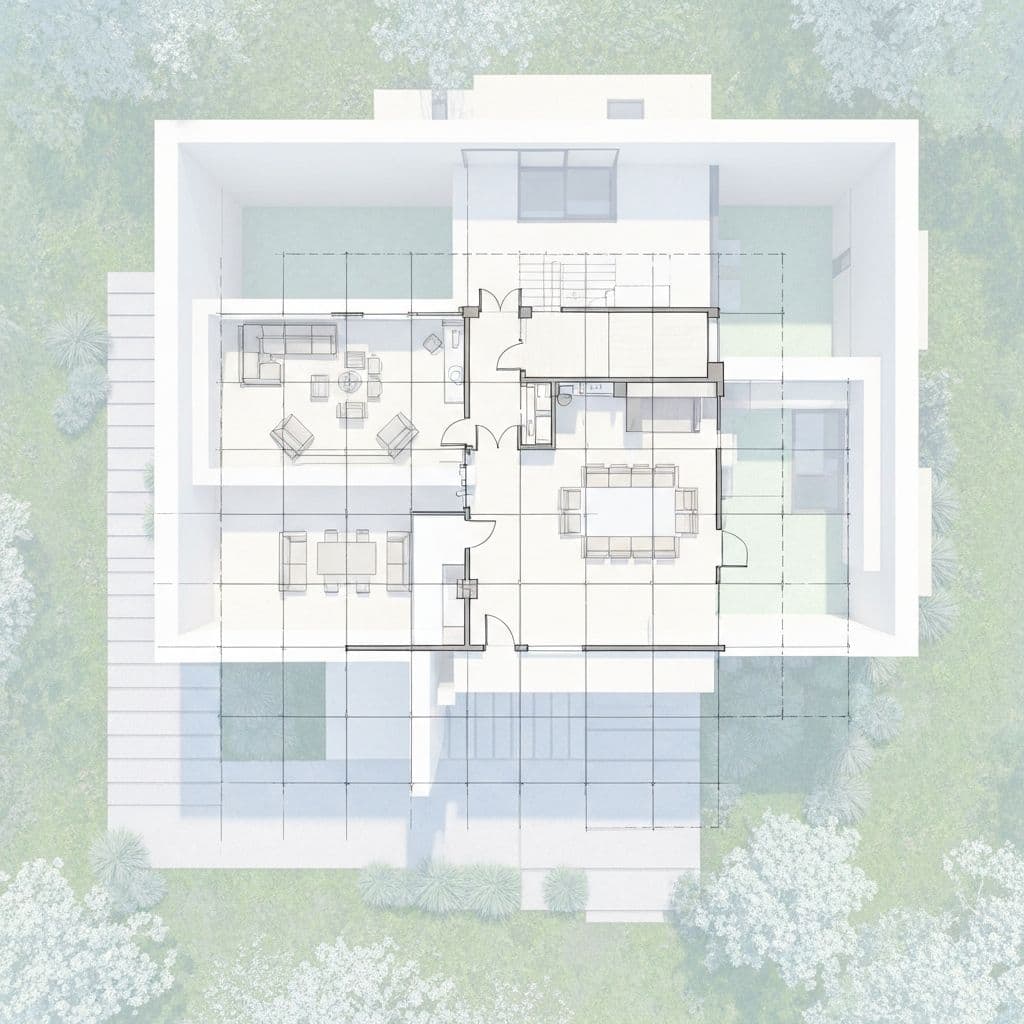

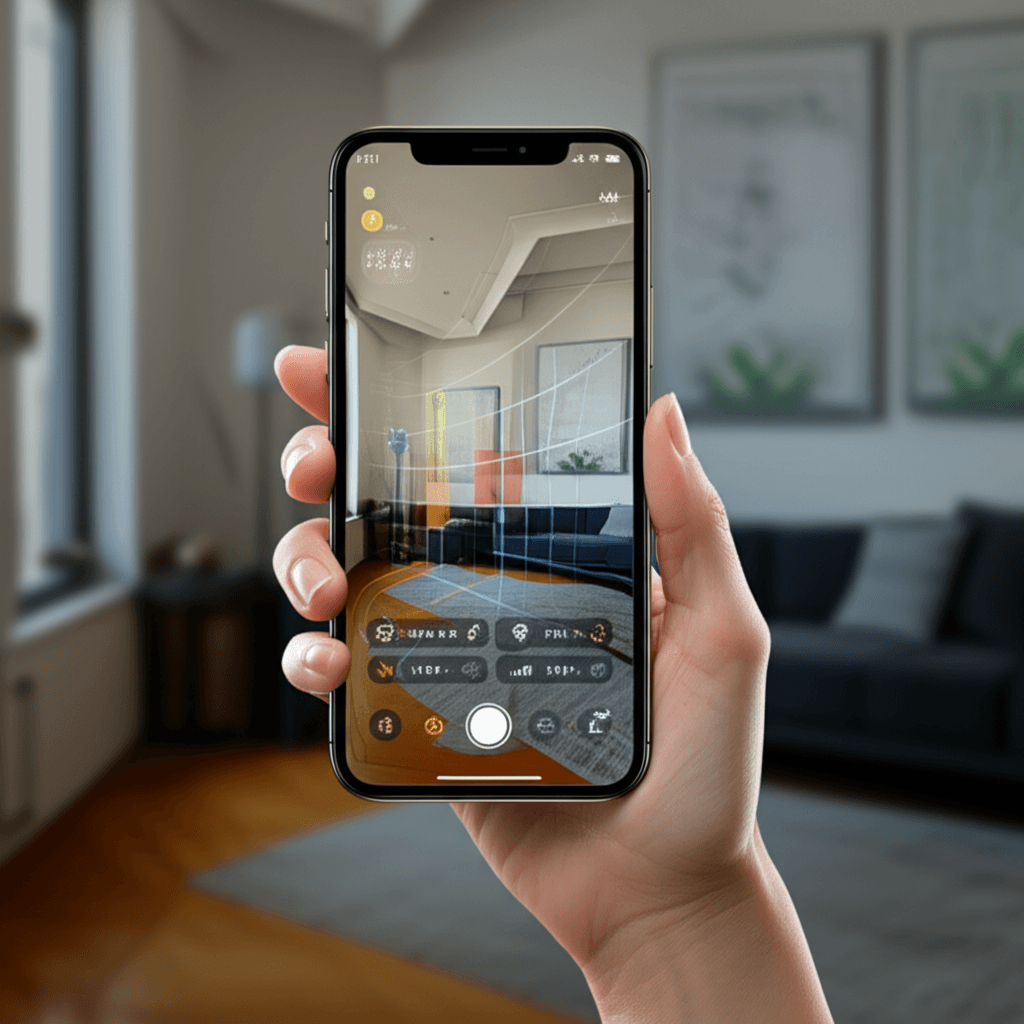
AI Feng Shui, in this product, is a photo in and a set of layout flags out. It is not a master on call, not a new school, and not a 95 percent discount we invented.
When we look at rooms people scan, the useful hits are ordinary: bed in the door line, desk with its back to the entry, a landing that cannot swing. The model is fast at those. It is weak at "should I use Flying Stars this year" and at anything behind the camera.
Start with introduction to Feng Shui if the words are new. Then scan the room that actually bothers you.
What the camera can see
Furniture edges, a door, a window, piles on the floor, a screen that faces the pillow. Those map onto Form School jobs: command position, path, glare.
It cannot see your lease, your roommate, or which bagua you already chose. It cannot smell mold. It cannot replace a structural engineer.
If the photo is a selfie in a dark hallway, the flags will be junk. Stand at the threshold, then at the pillow or chair. Two frames beat a collage.
What it is not
Not a consult. A person can ask who uses the room and whether you care about compass. The app does not.
Not cheaper by a published percent. Skip "save 95 percent." The honest line is: a phone photo is cheaper and faster than booking someone, and it misses what they would ask.
Not more precise than every school. Precision here means consistent pixel rules, not a settled classical debate. Bagua overlays still disagree with compass southeast.
Not a medical or money engine. Wellness and wealth articles on this site already say that. The model should not imply otherwise.
How to use a scan with an article
- Pick one room. Bedroom and entrance pay off first: bedroom, entryway.
- Photograph from the door and from the seat.
- Read the flags. Open the matching guide for the why and the renter sequence.
- Change one thing. Scan again in a week if you want, not every hour.
A home office: desk position. Do not scan the whole apartment as one blurry panorama and expect a floor-plan consult.
Schools and disagreement
Form School geometry is what a photo is good at. BTB bagua from the door is a grid we can draw on a rectangle. Compass and yearly stars need data the photo does not have (facing, year, who was born when).
If the app flags a wealth corner and a blog says the opposite wall, you mixed maps. Pick one. The article names the maps. The scan should not pretend it settled the fight.
Kids' rooms and shared desks need the same two-frame rule. A photo full of toys will flag clutter and miss the bed. Crop to the problem wall. The kids room and ADHD layout pages stay honest: flags are not a diagnosis.
If the model and a classical book disagree, keep the book for theory and the photo for the chair you can move tonight.
A sequence for this evening
- Read the intro page if you need vocabulary.
- Scan the room you sleep in or the door you use.
- Do the first reversible step in that guide (move, clear, light).
- Leave the crystals in the drawer until the path is clear.
A whole-home score that averages bedroom, kitchen, and a balcony into one number is a product convenience. It is not a classical house reading. Treat a low kitchen flag as a kitchen job. Do not "balance" it by buying a living-room object.
Consultants who walk the lot still have a role for new builds and for people who want Eight Mansions from a birth year. The app does not collect that, and we will not pretend it does. If you hire someone, show them the same two photos so you are arguing about one room, not two memories.
What to skip
Do not paste an App Store URL in the body. Do not claim the model is a 24/7 master. Do not invent consultant fees we undercut. Do not treat a low score as a curse.
If you want a human, hire one and tell them which school. The app is the photo pass.
How to judge a change
You can explain each flag in a sentence from a guide on this site. The room looks different in the second photo. You did not buy a gadget to "feed the AI."
Sources and limits
This page describes how FengShui Hero uses a room photo. It is not a survey of every AI product. Empirical research on Feng Shui as a whole is limited and mixed. Model errors happen; the article is the check.
Related: introduction, bedroom, desk, bagua.