
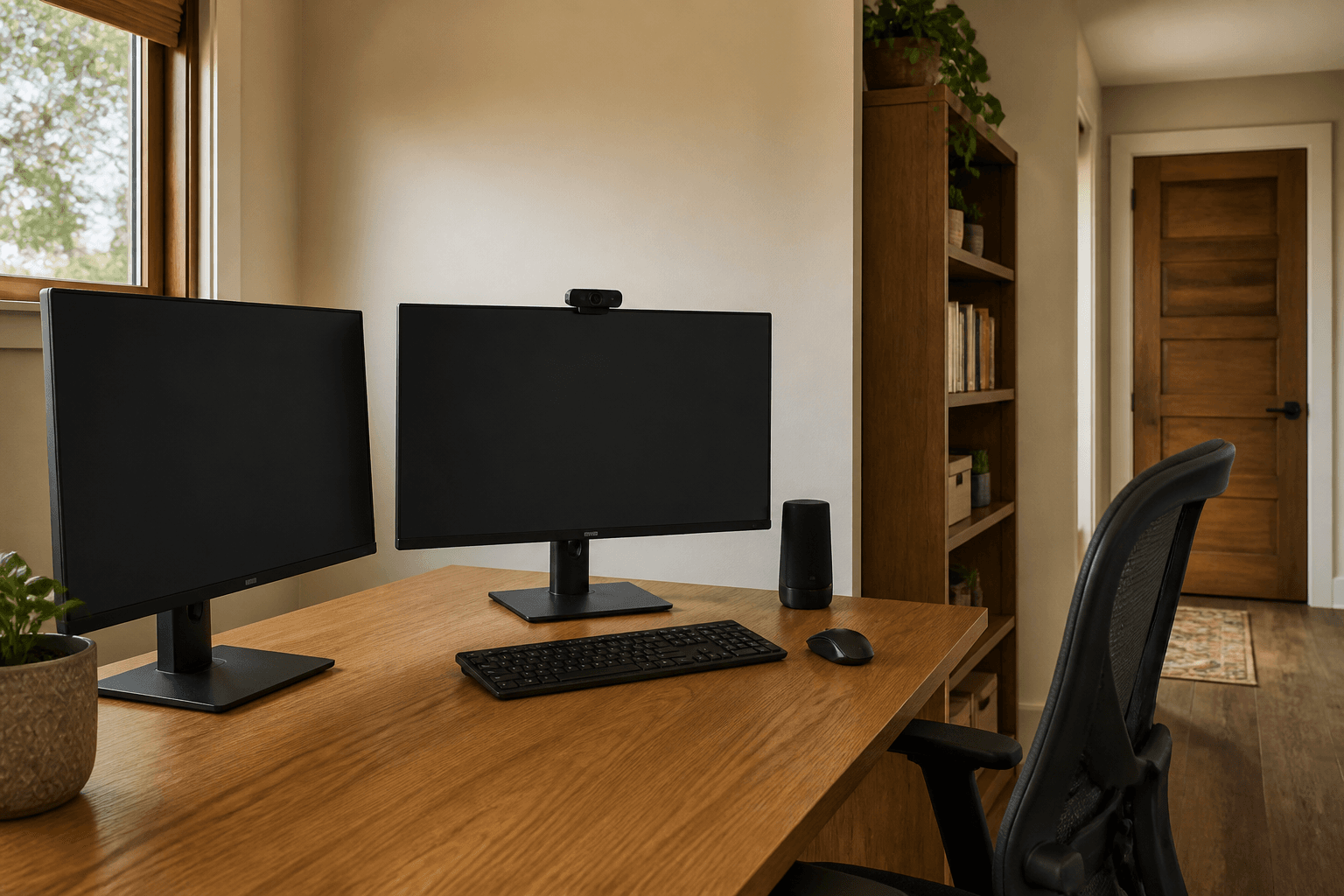
A Feng Shui second monitor is a side screen that has to stay a glance, not a second desk that turns your back on the door or a mirror for the window. You center the primary on your body, you angle the second in, and you keep both faces out of glare.
When we photograph home offices, the dual setup is often two verticals catching a west window, chair aimed at brick, latch in the spine. People ask which crystal belongs between the screens. We ask them to see who enters and whether they can read the text. This page is the extra display. It is not a rewrite of desk position. It is not the video call backdrop article. Command first, then glass.
What is the second screen for?
Reference, chat, timeline. If both screens are "primary," you will twist all day. Pick one home for typing. The other is a satellite.
Form School cares about the chair: solid-ish back, door in view, not in the threshold. Two monitors that force you into a corner cave fail that test even if the bagua of the room is pretty.
Remote work still needs an off switch. Two screens that stay on into the sofa are a living-room TV problem. Power them down.
The chair-glare-latch test
Do this at the hour you actually work, not at night with the blinds shut.
- Sit as you type. Is the primary in front of your belly, or is your neck aimed at the seam?
- Look for the door. If both screens made you turn away, mark command.
- Look at each glass. Can you see a window or a lamp in it? Mark glare.
- Stand in the door. Do the screens look like a wall of light aimed at a guest?
Write which failed. The next sections only fix those.
How should the second monitor sit?
Same height as the primary, inner edges close, second unit angled roughly a quarter turn so you glance with the eyes, not with the whole chair. Exact degrees are a blog fight. Comfort is the test: if you twist your torso to read email all day, the angle is wrong.
Arms that clamp to the desk let you float both screens off a laptop. A laptop plus two monitors is three homes. Close the laptop or use it as the only primary.
Do not put a plant between the screens if it dumps soil on keys. Do not put a fountain there. Water and power strips are a spill.
Cables in a clip under the desk beat a sha of loops at shin height. That is a trip, not a dragon.
How do you keep command with two screens?
If the pair is so wide that the door falls off the side of your vision, the desk is too aggressive for the room. Slide the whole desk, or drop to one screen for a week and see if the job still works.
A small mirror beside the primary that shows the latch is the classic substitute when the desk cannot turn. Two monitors that reflect your own face are a different startle. Tilt until the face leaves. That discomfort has a shop name in some Chinese notes. You do not need the name to tilt the screen.
Video calls: the camera belongs on the primary, with a wall behind you, window to the side. The second screen should not be a bright white rectangle in the call.
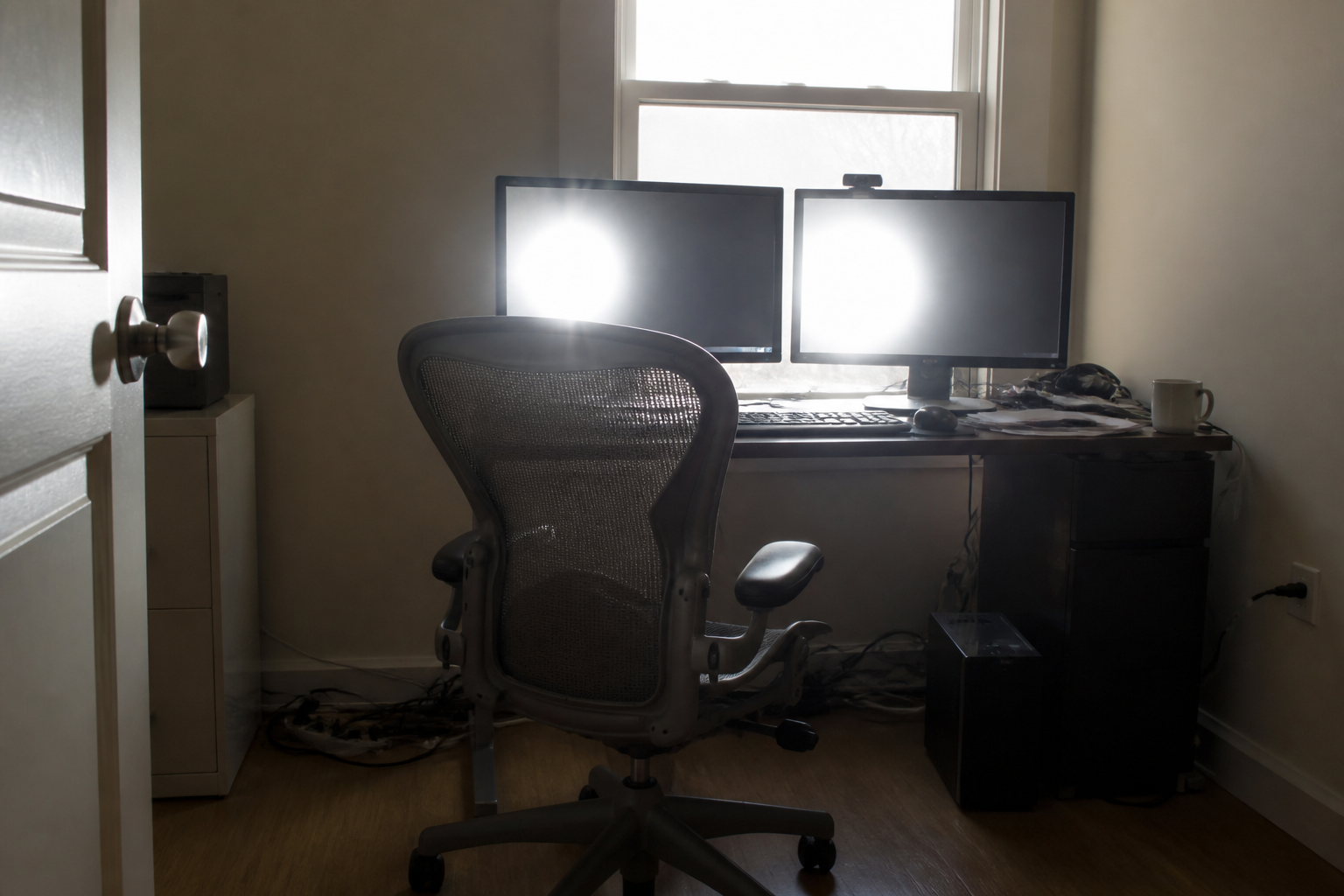
That wash of window on both faces is the fail. The latch is in the spine. Side light, centered primary, then the second screen.
What does glare have to do with Feng Shui?
Glare is why you hunch and why you get angry at the room. OSHA's computer workstation guidance says to place the face of the display at right angles to windows and lights, and to use blinds. That is a public safety note, not a bagua number. Use it.
West sun on two glossy panels is the usual rental. Blinds, a turn of the desk, a matte screen if you can swap. Do not add a third glossy picture behind the monitors.
Night work: a desk lamp that does not bounce in the glass. Overhead tubes are a wash. A lamp to the side matches the window rule.
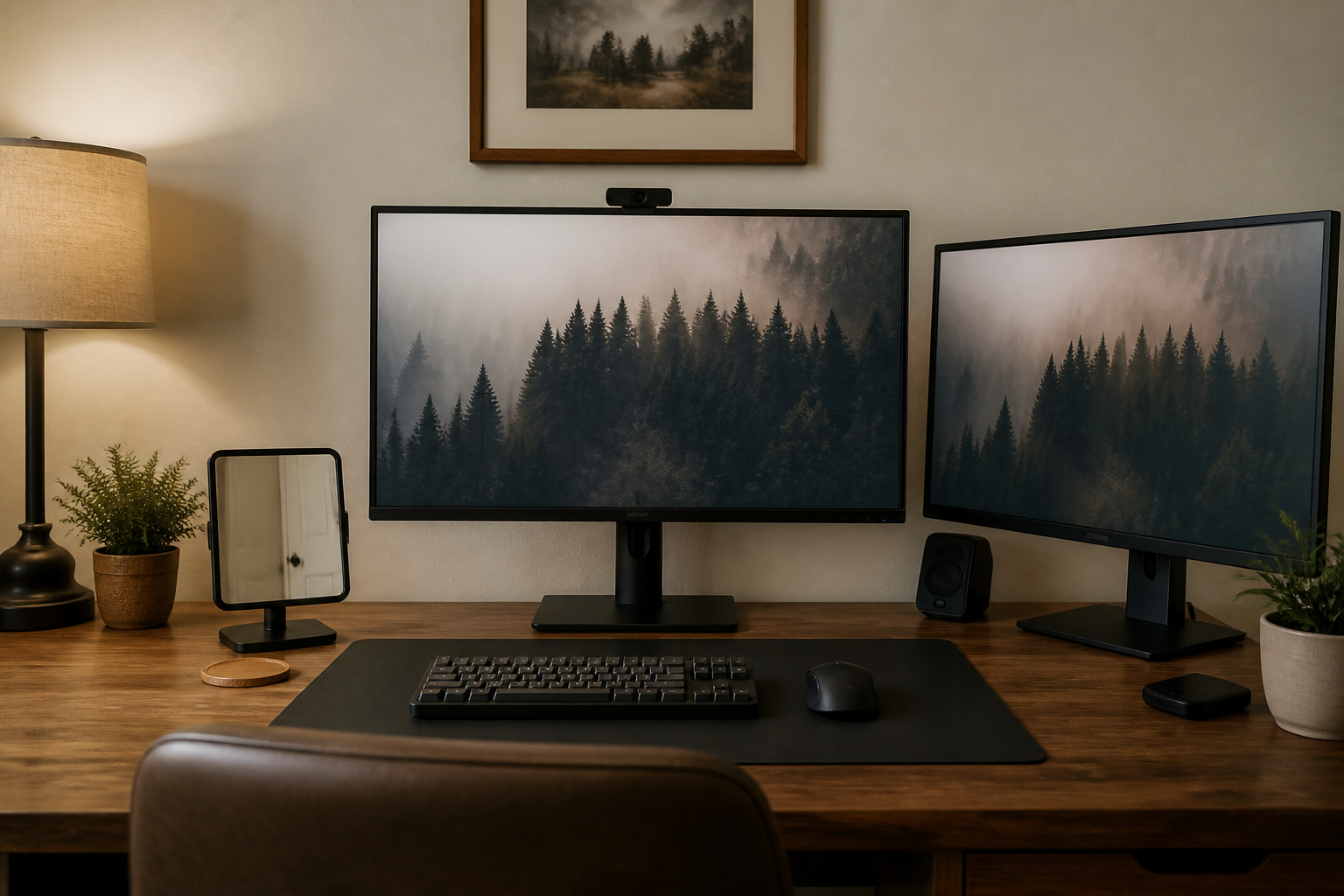
The primary is the job. The second is a glance. The mirror is the latch substitute. That is dual screens that still let you work.
How we check a two-screen desk
We sit in the chair with the room lights as used. Then we stand in the door. A wall of bright rectangles aimed at a guest is a shop window, not an office.
Clutter between the screens is visual noise. One notebook. Not a shrine.
If the second monitor is a TV used for "background," it is a living-room problem in an office. Off, or another room.
Dual screen choices
| Setup | Helps | Fail |
|---|---|---|
| One primary, one angled satellite | Glance without losing the door | Both screens "main," neck at the seam |
| Side window light | Readable glass | Window as backlight to both |
| Monitor arms | Height match, less twist | Arms that block the latch view |
| Clip mirror | Door when the desk cannot turn | Mirror that shows clutter or the bed |
Renters reverse arms and mirrors. The window stays.
What if you also have a laptop, a TV, or a bedroom office?
A laptop plus two monitors is three homes for one job. Close the laptop lid and use a stand, or use the laptop as the only screen when you travel and the pair when you are parked. Three glowing faces train you to never look at the door.
A second monitor that is actually a TV with a news channel is a living-room problem. Off during deep work, or move the TV. Background flicker is how you fail both command and rest.
Bedroom offices: at shutdown, power both screens, or cover them. A dual glow at the foot of the bed is a night-light you did not want. Same rule as any sleep wall. The remote worker off switch still applies.
Cable management is a shin test. A power strip in the walk is sha you will kick. Velcro under the desk. Label the two video cables so you do not unplug the primary when you meant the satellite.
If you stand at a converter, the primary still centers on your torso at standing height. The second screen should not force a twist that the converter then locks in. Sit and stand should share the same angle.
Color temperature: matching both panels so one is ice and one is yellow saves your glance. That is display settings, not a five-element cycle.
When a guest sits at your desk, the second screen often shows Slack. Angle it away or power it. Command includes privacy.
If you only work from this desk two days a week, still park the second monitor at the same angle each time. A screen that "lives" on a dining table and comes back crooked is how glare returns. Mark the desk with a small piece of tape for the arm's elbow.
Headphones on the second screen's top edge will fall. A hook on the desk side is dull and useful.
What this is not
A second monitor will not get you promoted and a crystal between the bezels will not. Glare will not empty a bank. This page will not treat eye disease.
Skip career-gua shopping for the left screen. Skip lucky-year timing to buy a panel. Skip income claims.
Do not leave both screens on in a bedroom office after you meant to sleep. Cover or power down.
A simple evening checklist
Do this in order. Stop when the primary is in front of you, the door is in view or in a mirror, and you cannot read a window in the glass.
- Center the primary on your torso.
- Angle the second in. Match heights.
- Turn the desk or add a clip mirror so the latch is not only in your back.
- Kill reflections with blinds and a side lamp. Use the right-angle-to-window habit from workstation guidance.
- Clip the cables. Clear the shrine between bezels.
- Photograph from the chair in FengShui Hero and compare the flagged desk with the pair you set.
If you only do one thing tonight, put the primary in front of you and kill the window in the glass. The second screen can wait until you can see the door.