
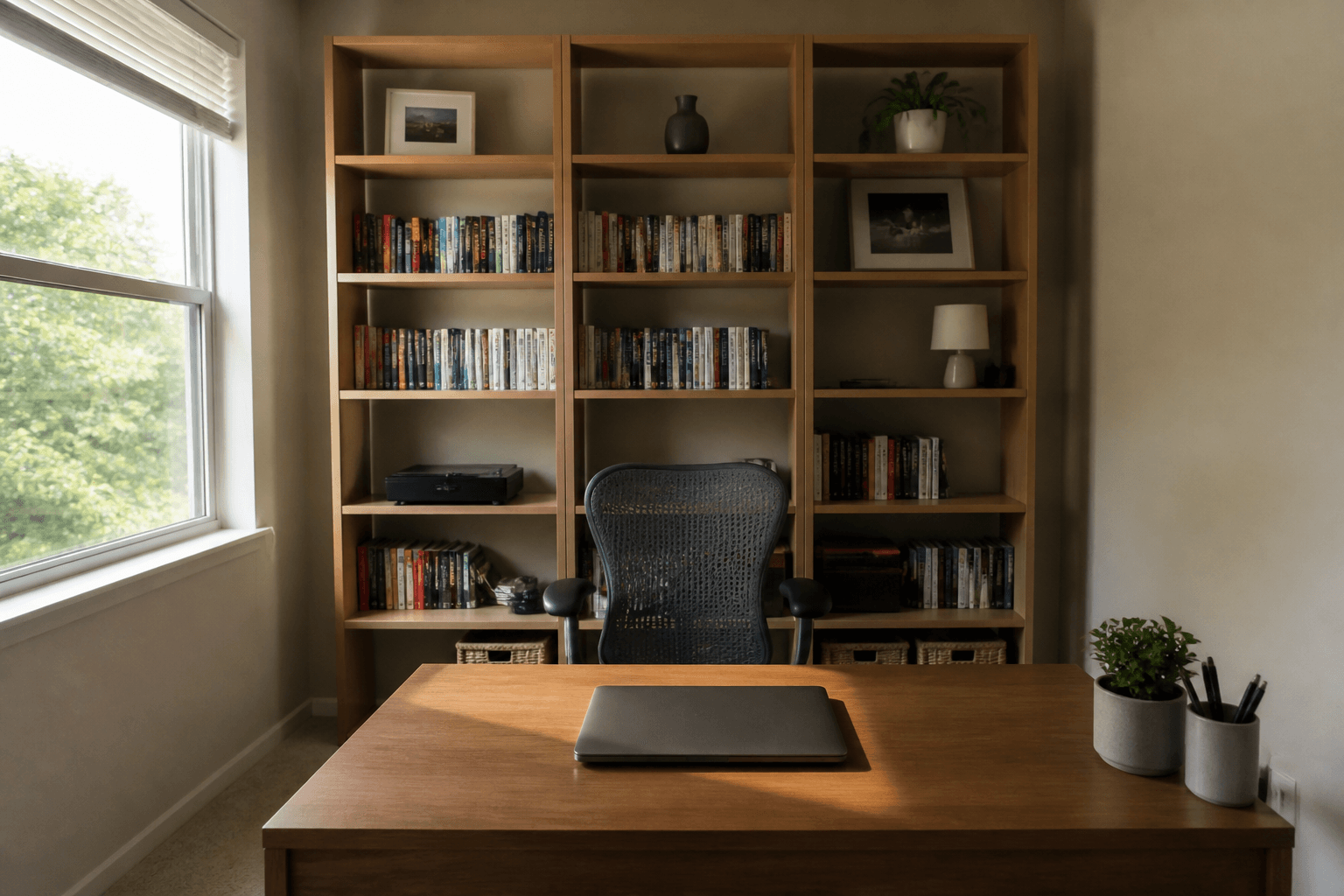
Feng Shui work from home video calls is the practice of putting the chair in command and aiming the camera at a wall you would show a colleague. The window sits to the side so the screen is not a white rectangle. Glare and a bed in frame are layout problems you can reverse today.
When we photograph work corners, the laptop faces the glass and the door is a surprise behind the shoulders. People buy a ring light. The camera still shows a duvet. This guide is the call-test for one desk: what the lens sees, and whether you can see who walks in. The whole floor is office layout. A dining-table job and the evening off switch live in remote workers. One chair versus one door, without the camera, is desk position. Stay here for the rectangle colleagues actually watch.
What is Feng Shui for work from home video calls?
Stand at the room door. Sit in the chair. Open the camera preview.
You can see the door without twisting your whole spine. You are not the first object on a straight line from the jamb. A wall or a bookcase is behind you, which is also the wall the camera will publish. A window as the only back is the weak version: you silhouette, and the screen whites out.
That is Form School furniture logic applied to a meeting. It is the same picture as a bed or a stove: the body is not in a corridor of traffic, and what sits behind you is finished. Compass facing is optional color after the preview is honest.
A virtual background is a bandage. It smears when you move. It does not give you a mountain behind the chair. Use one if the only real wall is a bed you cannot hide this week. Turn the desk when you can.
Why does a window behind the camera wreck the frame?
Because the camera exposes the brightest thing. Sky wins. Your face loses. The laptop becomes a mirror of the glass.
Photos keep showing the same miss. The desk was pushed to the only wall that "felt like a view." That wall is a window. On a video-heavy day you are a cutout. You also sit with your back to the room door more often than not, because the glass ate the command wall.
Side light is the compromise. Put the window to your left or right so daylight hits the desk without sitting in the shot as a white field. A sheer helps. A lamp on your face, slightly off axis, beats hoping the weather will dim.
A desk that faces the glass has a second problem: your eyes live on glare, and the door is usually behind you. Pull the desk off that axis if the aisle allows. If the footprint is frozen, drop the blind for calls and keep the lamp. Do not promise a promotion from a north window. Do not invent a study that says backlight causes burnout. The screen is hard to see. That is enough.
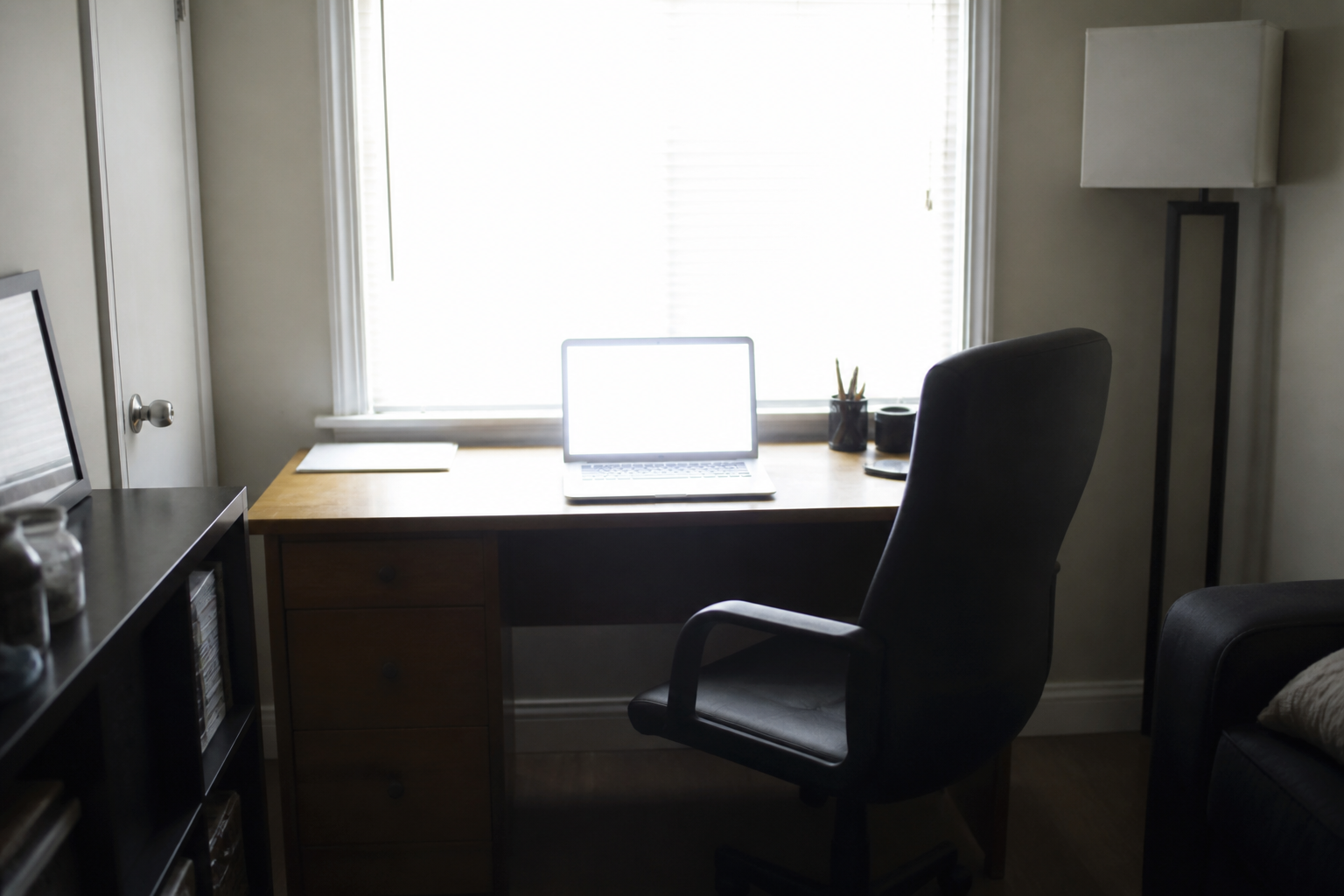
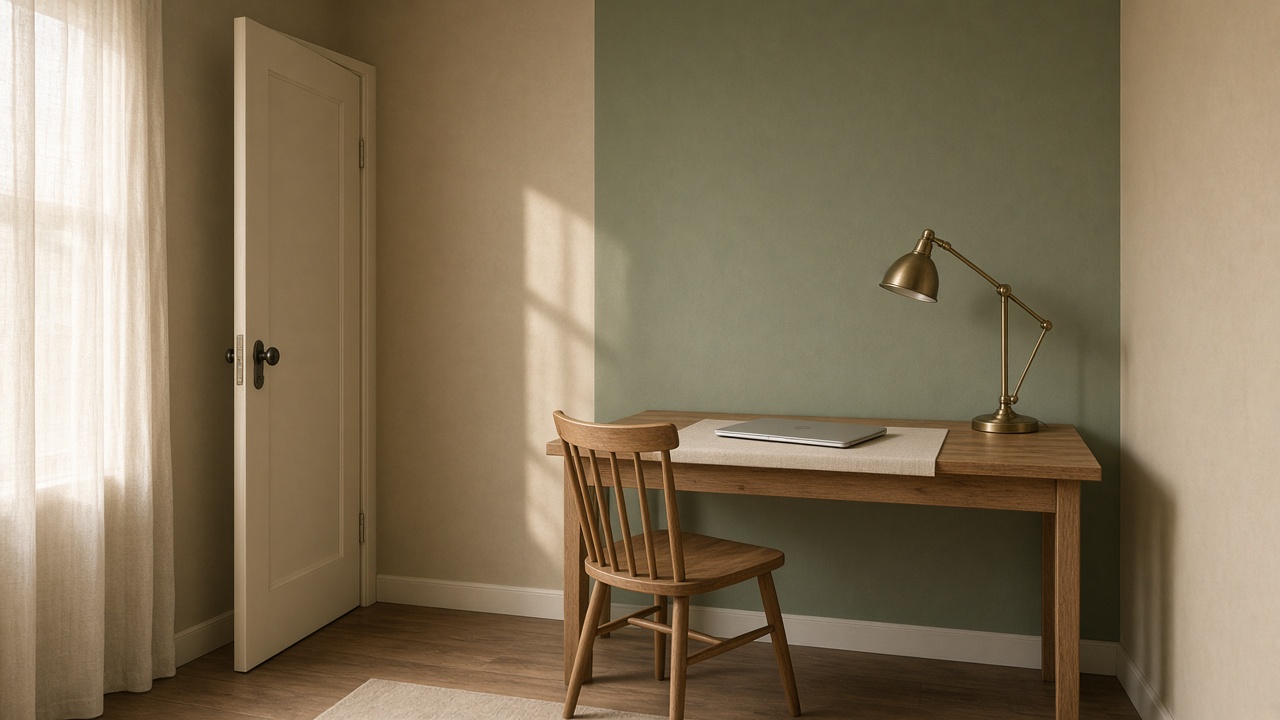
That chair has a view of weather and a laptop you cannot read. The door is almost certainly out of sight. Slide or turn until the glass is a side, not the backdrop.
Lamp and the 45-degree trick
Put a lamp in front of you or about 45 degrees, never as a halo behind the head. Overhead-only light makes eye sockets look like caves. A cheap desk lamp you already own is enough. Point it at your face, not at the lens.
If you must keep a window at your back, close a blind or a sheer so the glass is a glow, not a hole. Then add the face lamp so the camera has something closer than the sky. Sunglasses indoors are not a layout.
Night calls flip the problem. A dark window behind you becomes a black mirror of the room. Close the curtain so colleagues do not see the kitchen reflected in the glass.
Where should the desk sit for calls and command?
Same sit-test as any desk, with the camera as a second door.
- Diagonal to the room door, wall or bookcase behind the chair. You see who enters. You are not in the lane. The camera sees the mountain.
- Side wall, facing into the room. Good when the diagonal does not fit. Keep the door in a glance. Keep the window off your spine.
- Facing the door square-on. You see people. You also sit in the interruption line. Pull back if you cannot angle. Check that the camera does not point straight out the doorway into a hall of laundry.
- Facing a wall. Common in spare rooms. You lose the door. Hang one wide, calm image for depth, or pull the desk out a foot if the aisle allows. Confirm the wall is tidy enough to broadcast.
- Back to the door. The usual worst. You startle. On camera you also look like you are hiding. A small, stable mirror that shows the opening is the fix when the bench cannot turn.
Window in front: glare on the work, back-to-door risk. Window behind: glare on the call, missing mountain. Window to the side is the version that survives a Tuesday standup.
Two screens can wall you off from the door. Angle them so a person in the jamb still appears in your periphery. A soundbar in front of the keyboard is a new sharp edge; push it aside for the hour you are on camera.
A standing desk still needs the same sightline. Raising the surface does not fix a back-to-the-door stance. The anti-fatigue mat should not become a trip in the aisle.
What belongs on the wall the camera sees?
A wall you would let a colleague remember.
A bookcase with ordinary books is the usual mountain: height behind the chair, a little depth, nothing swinging. Face the spines. Leave a gap so it does not look like a shop. A dying plant on that shelf is the opposite of "growth." Water it or take it off camera.
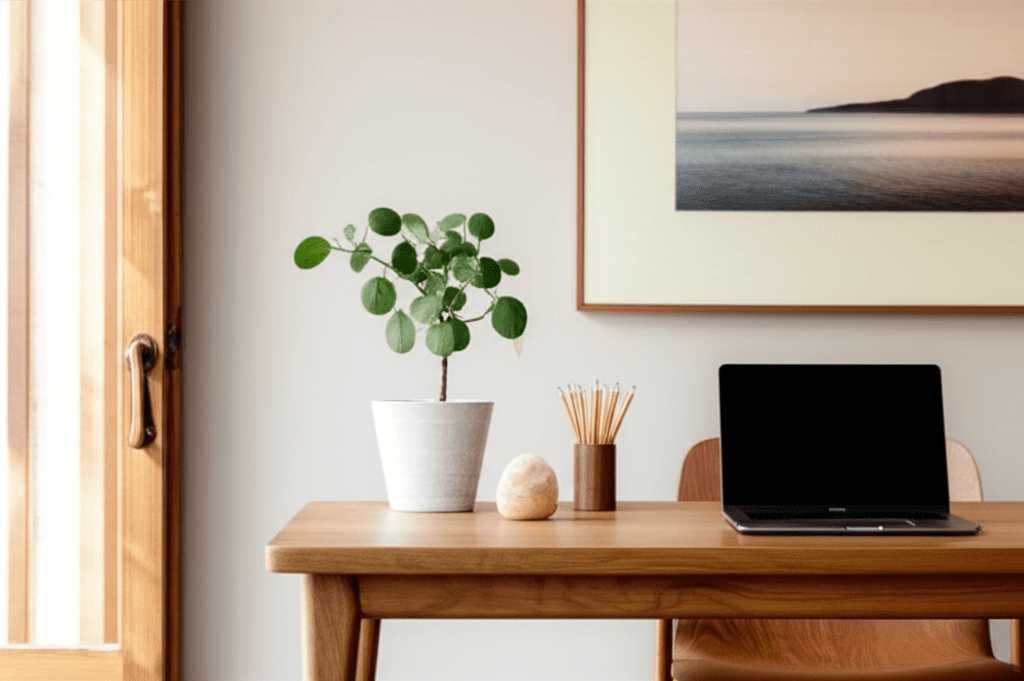
A calm painted wall is fine. One print is fine if it is not a mirror that throws window glare back into the lens. Skip a bed, and skip a pile of laundry on a chair you forgot was famous. A door in frame is usable if it is tidy and not the apartment's only mess.
The remote workers page already says the camera wall is layout. This page is the longer version of that caution, plus the glare geometry. Do not clone the dining-table and off-switch sections here. When the call ends, that pillar still owns the lid-down habit. During the call, this wall is the job.
A folding screen can hide a guest bed. A wardrobe pulled a half-step can break the duvet sightline. Renters: command strips and a screen leave with you. Do not paint a "focus" mural for a backdrop you will hate in two months.
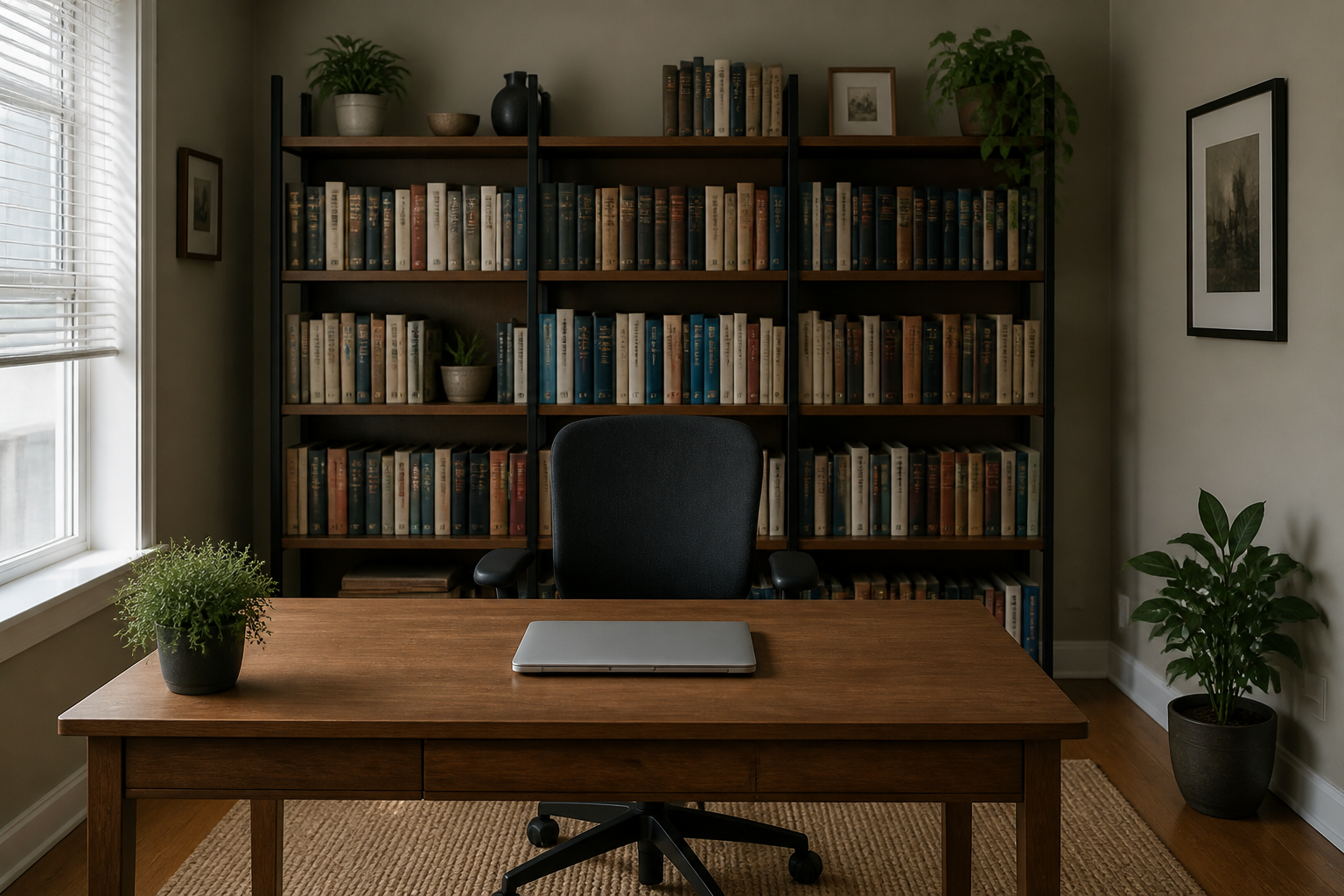
That chair has a solid back. The laptop faces into the room, which is also how you leave the job at night. The camera would see books, not sky.
Dining table and bedroom corners on call days
Most rentals offer a table before they offer a study. Sit in the seat that sees the kitchen or hall door. Clear plates before the first call. Angle the laptop so a TV or a window is not the backdrop. A washable mat under the computer marks the work zone so dinner can reclaim the table. The remote-worker article is the longer dining setup. Your extra check on this page is the preview: no cereal, no backlight.
A bedroom desk mixes rest and work in one sightline. Daytime, sit so you can see the bedroom door if that is the only door. Point the camera at a wall that is not the pillow. Night, lid down. A desk at the foot of the bed puts work in the line of the mattress and often puts the duvet in the meeting. If that is the only wall that fits, use a screen for the call.
How is this different from a remote-work layout?
That pillar is the apartment: spare room, dining table, bedroom corner. It also covers a way to turn the job off. This page is the hour you are on screen.
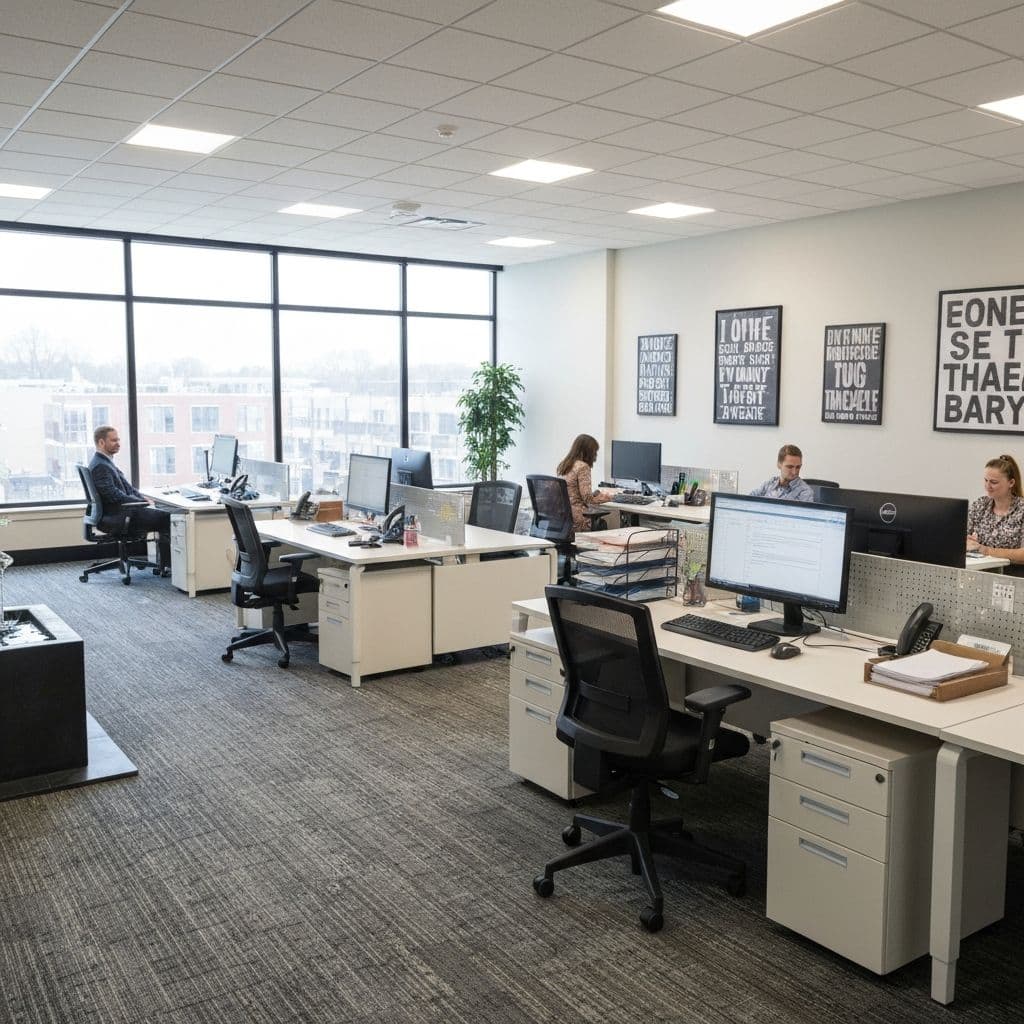
Office layout is the whole floor: who sits in traffic, where the printer lives. Desk position is the sit-test without insisting on a camera. You still need those pages if the room is the problem. You are here because the meeting is the problem.
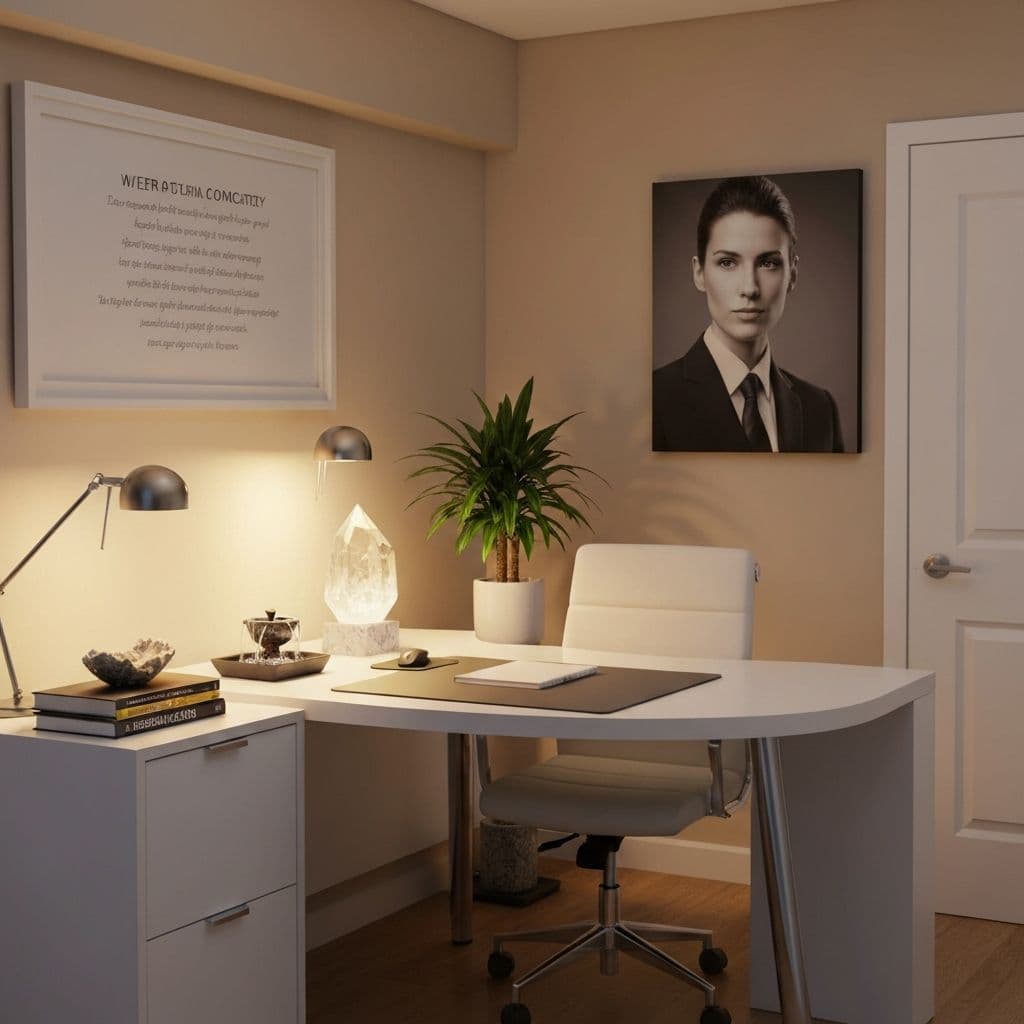
Compass notes that like a north-facing desk for career still lose to a window that blows out the preview. In a studio, north may be the kitchen. Sit for the door and the wall first. A mini-bagua on the blotter is optional overlay. Do not lose the keyboard to a crystal grid that the camera will also publish.
Corporate benches lock the footprint. Ask once if a 90-degree flip is allowed. Then stop. A stable mirror that shows the door, a higher chair back, a lamp, a plant between you and a sharp monitor edge: those are the frozen-desk kit. Do not fight facilities over a lucky degree.
Can renters finish this before the next standup?
Most of the work is sliding and plugging a lamp.
- Photograph from the door and from the chair. Open the camera preview in the same light you will actually use.
- Turn the desk until the door is in view and the window is a side, or admit the footprint is frozen.
- Clear the wall the lens sees. One trip to relocate the laundry.
- Add a face lamp. Drop a sheer if the glass still wins.
- Work one real call before you buy a fake bookcase.
Felt pads under a desk, or a folding screen. Removable hooks rated for a small print. Skip masonry anchors. Photograph the wall before you add a screen so you remember the original look for the deposit.
If the only "office" is a laptop on the sofa, sit at the end that sees the apartment door. Put your back to a wall. Do not perch in the middle of the room with a window blasting the screen. Tiny is allowed to stay tiny.
What to skip
Do not promise a title from a facing. Do not paste a store download link in a paragraph. Do not claim a bookcase will get you promoted or medically calmer. Do not run a fountain next to a laptop. Water and power strips are a spill.
Skip a fake city skyline that chops your hair when you lean. Skip sitting in a hallway to "face career north" during a standup.
If every layout is bad, write the constraint. The useful next page is office layout or desk position, not another lecture about ring lights.
How to judge a change
You stop flinching when someone enters. The preview shows a wall, not a window. The screen has light you can control. The center of the desk is still for work.
Scan the two photos in FengShui Hero. Flags should match sightline and clutter on the same chair.
If you only do one thing, take the window off your back and put a finished wall there instead. Everything else in this article is a variation of that preview.
Related: desk position, remote workers, office layout.